
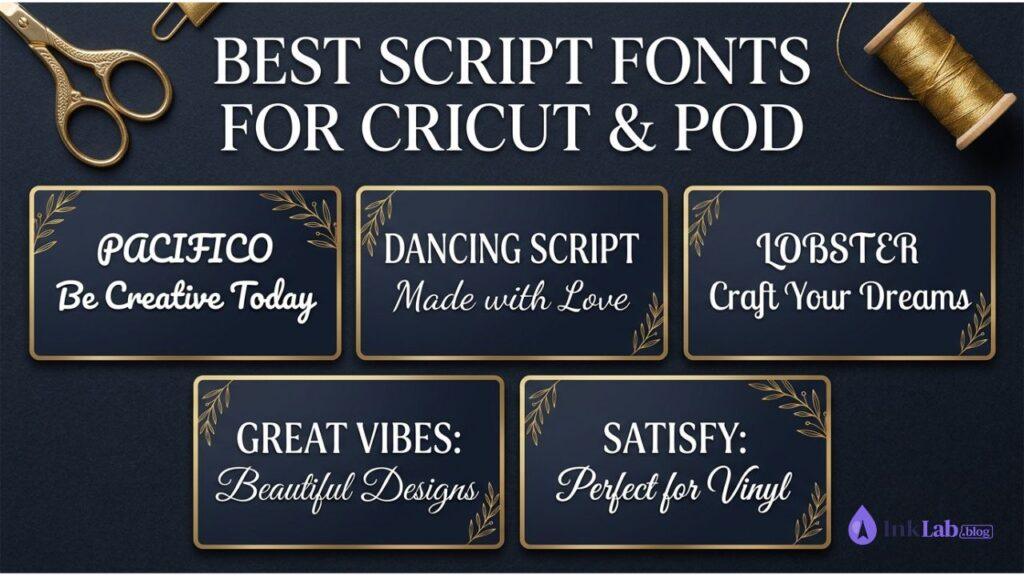
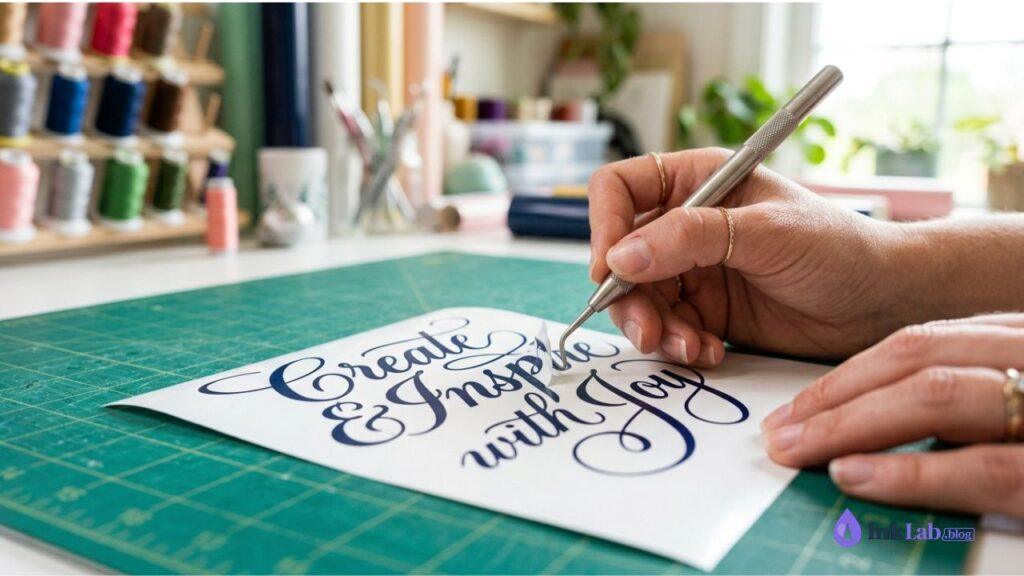
Finding the right script font for Cricut cutting and Print-on-Demand (POD) merch can be tricky. Thin lines tear during vinyl weeding, while loose letters require manual spacing. Here are the 10 best script fonts — tested for easy vinyl cutting, smooth curves, and high commercial appeal.
Some links in this post are affiliate links. We may earn a commission if you sign up or purchase — at no extra cost to you.
📊 Quick Comparison Overview
| Font Name | Best For | License / Type | Weeding Ease |
|---|---|---|---|
| Pacifico | Mugs & T-Shirts | Free (Google) | ⚡ Easy (Thick) |
| Dancing Script | Cards & Gifts | Free (Google) | 👌 Medium |
| Lobster | Vinyl Decals & Tumblers | Free (Google) | ⚡ Easy (Thick) |
| Great Vibes | Weddings & Acrylic Signs | Free (Google) | ⚠️ Careful |
| Satisfy | Labels & Kitchenware | Free (Google) | 👌 Medium |
| Samantha Script | Weddings & Calligraphy | Premium (CF) | ⚡ Swashes Included |
| Buttercup Script | Modern Calligraphy & Apparel | Premium (CF) | 👌 Medium |
| Farmhouse Cottage | Wood Signs & Decor | Premium (CF) | ⚡ Easy (Thick) |
| Playlist Script | Tote Bags & Quotes | Premium (CF) | 👌 Medium |
| Getrok Font | Bold Merch & Apparel | Premium (CF) | ⚡ Easy (Thick) |
🆓 Top 5 Free Script Fonts (Google Fonts)
Pacifico
A fun, thick brush script inspired by 1950s American surf culture. Its bold strokes make it exceptionally easy to weed on vinyl without tearing delicate loops.
Download on Google Fonts →Dancing Script
A lively cursive font where letters bounce slightly in size. Perfect for casual greeting cards, personalized mugs, and playful t-shirt quotes.
Download on Google Fonts →Lobster
Thick, bold, and highly readable. Lobster is a favorite for vinyl decals, tumblers, and chest prints where you need maximum visibility from a distance.
Download on Google Fonts →Great Vibes
A beautifully flowing formal script with smooth ascenders and descenders. Ideal for wedding decor, acrylic signs, and elegant gift items.
Download on Google Fonts →Satisfy
Offers a classic timeless feel with a slight hand-drawn flair. Works amazingly well on kitchenware, personalized labels, and kids’ apparel.
Download on Google Fonts →Get 1 Month Free Access to 100,000+ Premium Fonts
Download premium script fonts complete with extra swashes, alternates, and full commercial licenses for Etsy & POD.
Try Creative Fabrica All Access →💎 Top 5 Premium Script Fonts for Crafting & POD
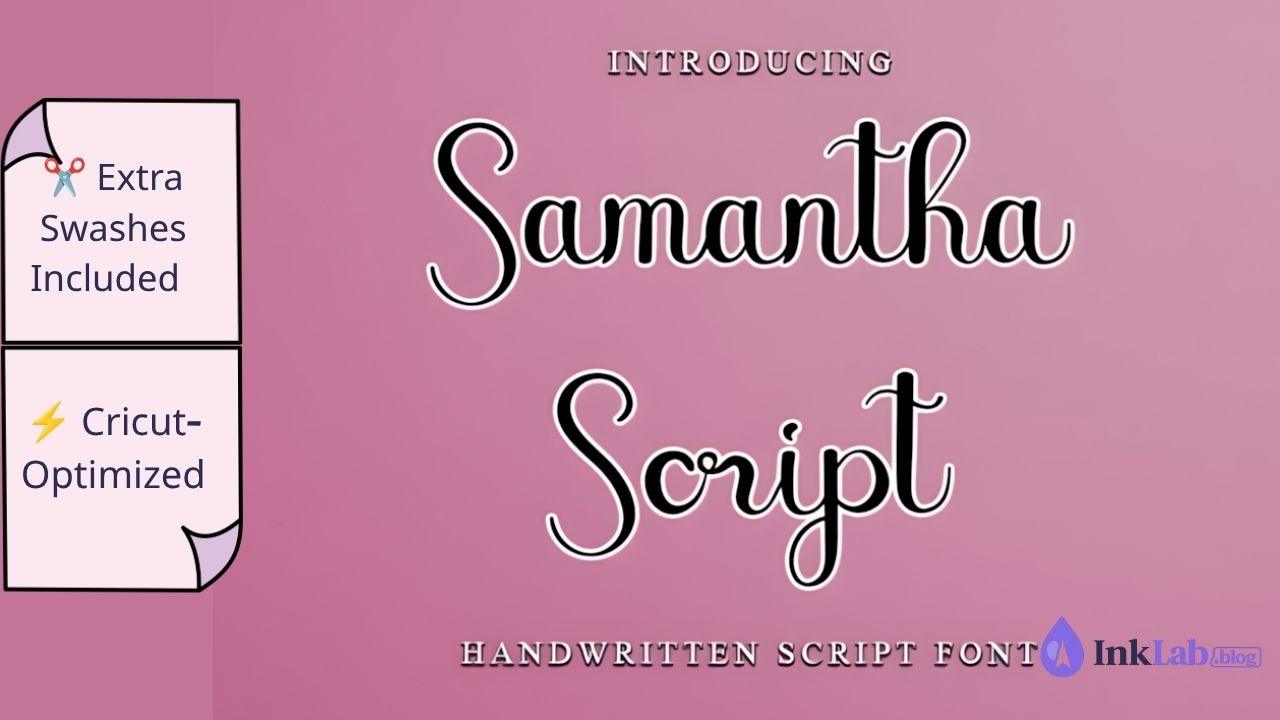
Samantha Script
An iconic calligraphy script crafted with smooth connecting lines and thick stems, making it ideal for vinyl cutting. Includes hundreds of extra swashes and glyphs for wedding decor, tumblers, and personalized gifts.
View on Creative Fabrica →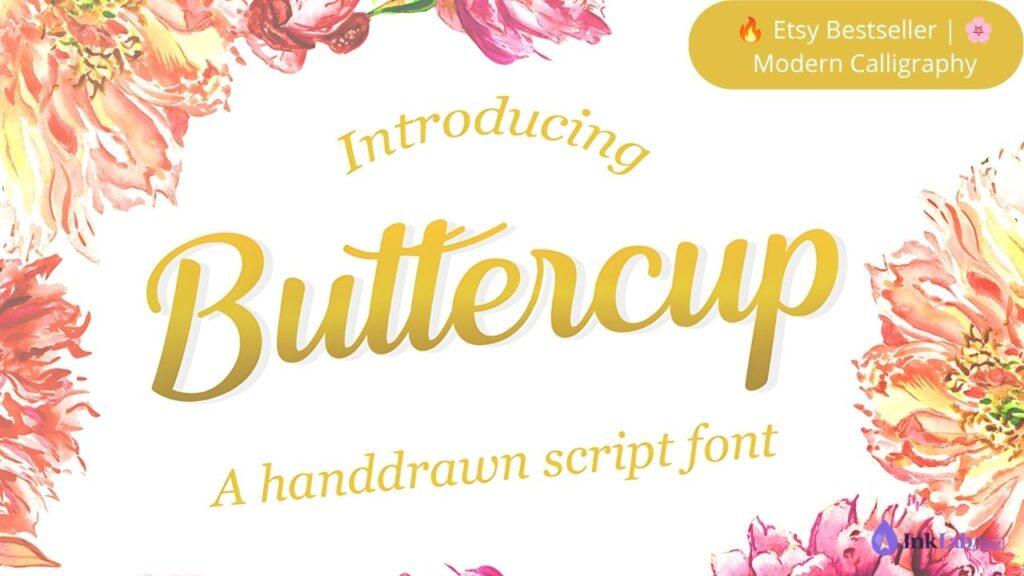
Buttercup Script
A soft, playful modern calligraphy font with smooth joining letters. Extremely popular for customized apparel, mugs, and nursery wall art.
View on Creative Fabrica →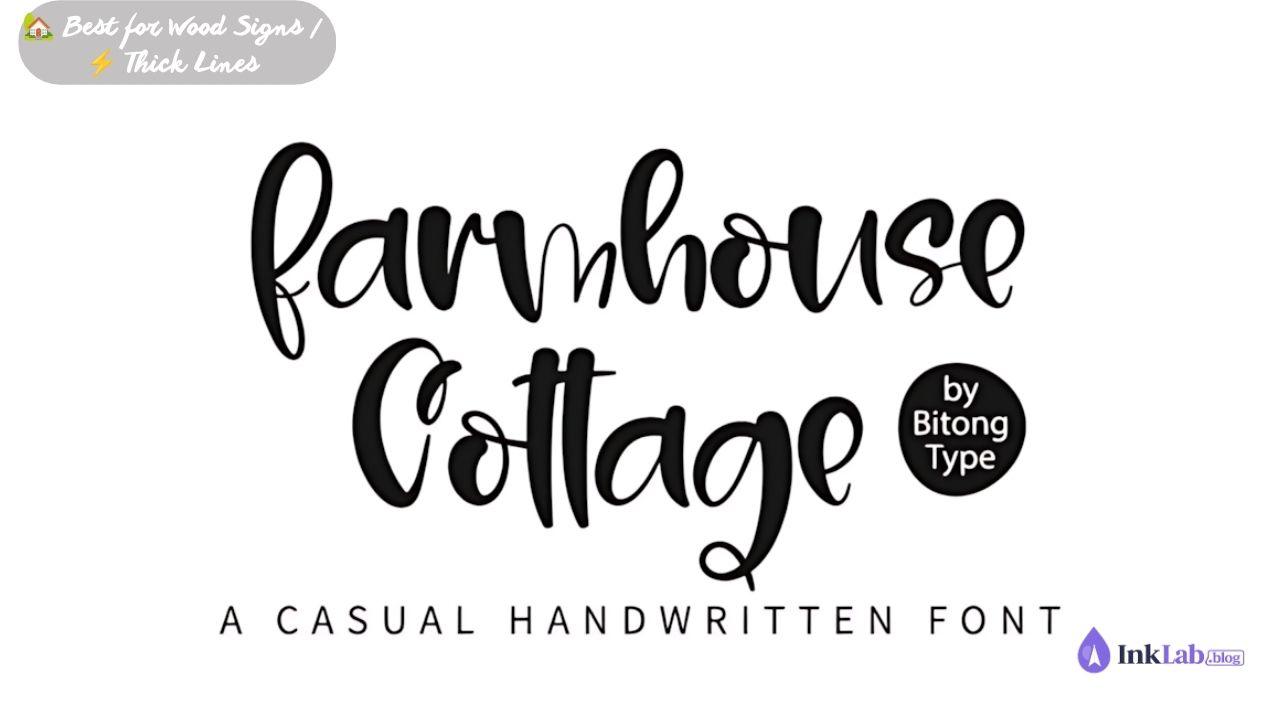
Farmhouse Cottage
A cozy, hand-lettered script font designed for farmhouse wood signs, kitchen decor, and personalized family gifts.
View on Creative Fabrica →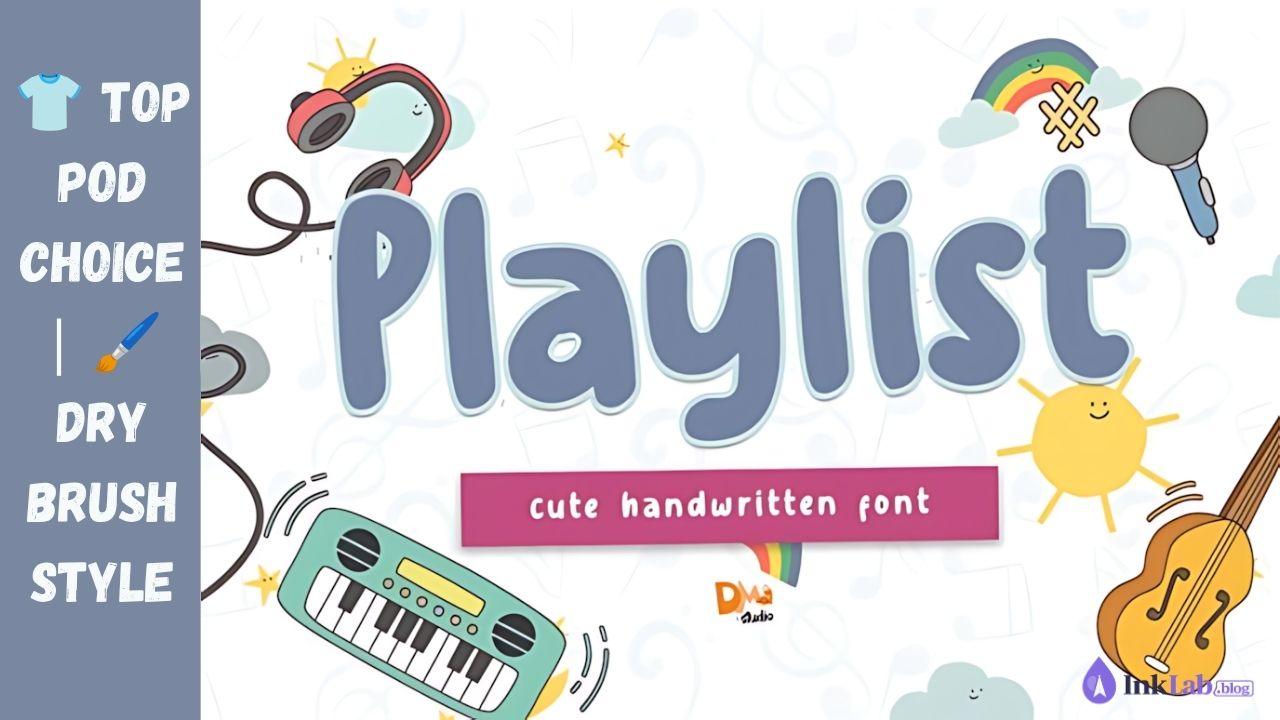
Playlist Script
A dry-brush script with a modern bouncy baseline. Highly popular on Etsy for tote bags, inspirational quotes, and apparel designs.
View on Creative Fabrica →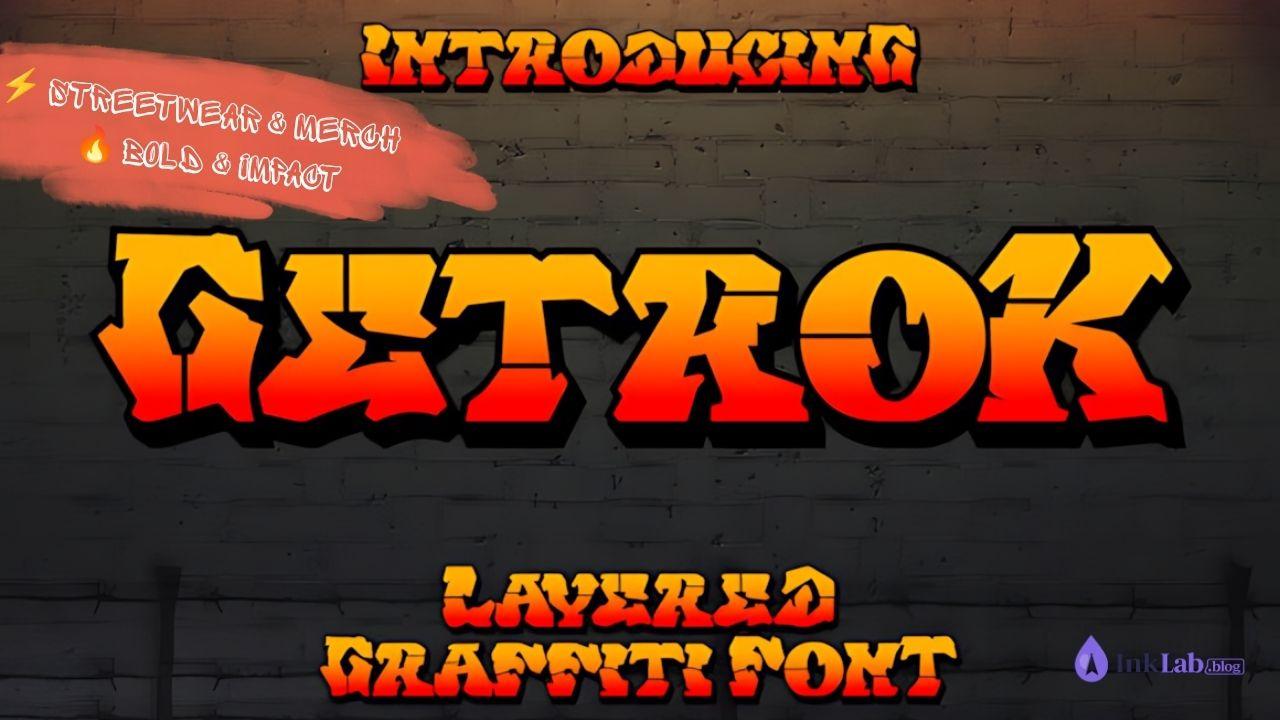
Getrok Font
A bold, high-energy script font with sharp brush trails. Great for urban streetwear, gym merch, and eye-catching print-on-demand products.
View on Creative Fabrica →Get Unlimited Cricut Fonts + Commercial License
Thousands of premium Cricut-ready fonts — scripts, display, handwritten, and more. One subscription covers everything.
Browse Premium Cricut Fonts on CF →
Frequently Asked Questions
How do I connect cursive letters in Cricut Design Space?
Select your text, adjust letter spacing if necessary, and use Combine > Unite so the overlapping letters cut as one continuous shape without internal cuts.
Can I use these fonts for products I sell on Etsy or Redbubble?
Yes. Google Fonts are free for commercial use. Fonts downloaded via Creative Fabrica include a commercial license covering physical crafts, Cricut projects, and POD merchandise.
Why do thin script fonts tear when weeding vinyl?
Thin script lines lack surface area for the adhesive to grip the carrier sheet during weeding. For small vinyl projects, choose fonts labeled as “Thick” or “Craft-Optimized”.