
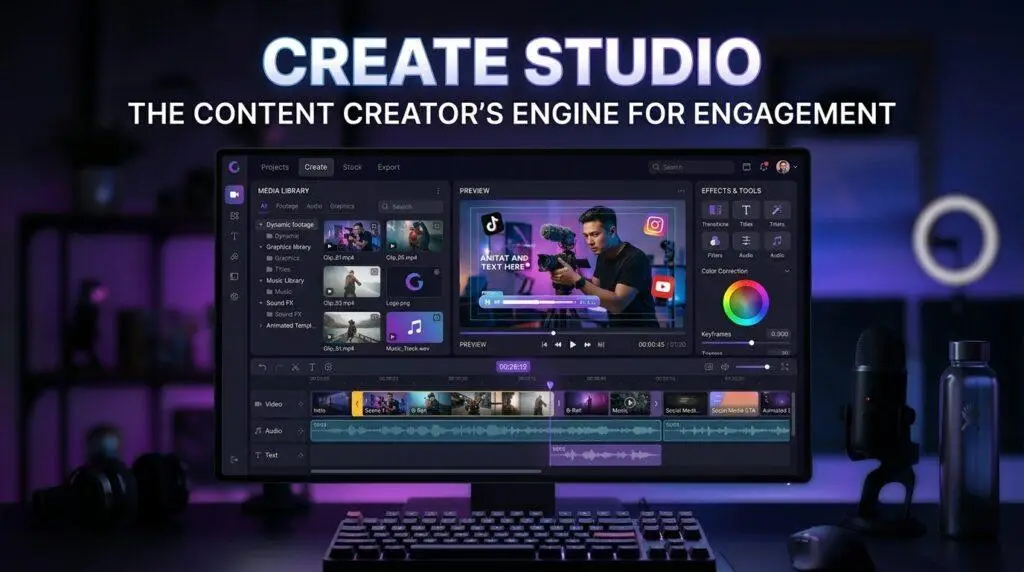
If you’re selling on Print on Demand platforms or creating Cricut content, video is no longer optional. In this Create Studio review, I’ll show you why it’s one of the most practical video editors for POD creators — Pinterest video pins generate up to 3x higher click-through rates than static images, yet traditional editors like Premiere or After Effects take too long to master.
Disclosure: Some links in this post are affiliate links. If you sign up or purchase through them, we may earn a small commission at no additional cost to you.
✅ Best For
- ✓ YouTube Shorts Creators
- ✓ Pinterest Marketers
- ✓ POD Sellers
- ✓ Cricut Content Creators
- ✓ Small Business Owners
- ✓ Bloggers & Affiliate Marketers
❌ Not Ideal For
- ✗ Complex film post-production
- ✗ Hollywood-grade VFX
- ✗ Large enterprise design teams
- ✗ Browser-only workflows
What is Create Studio?
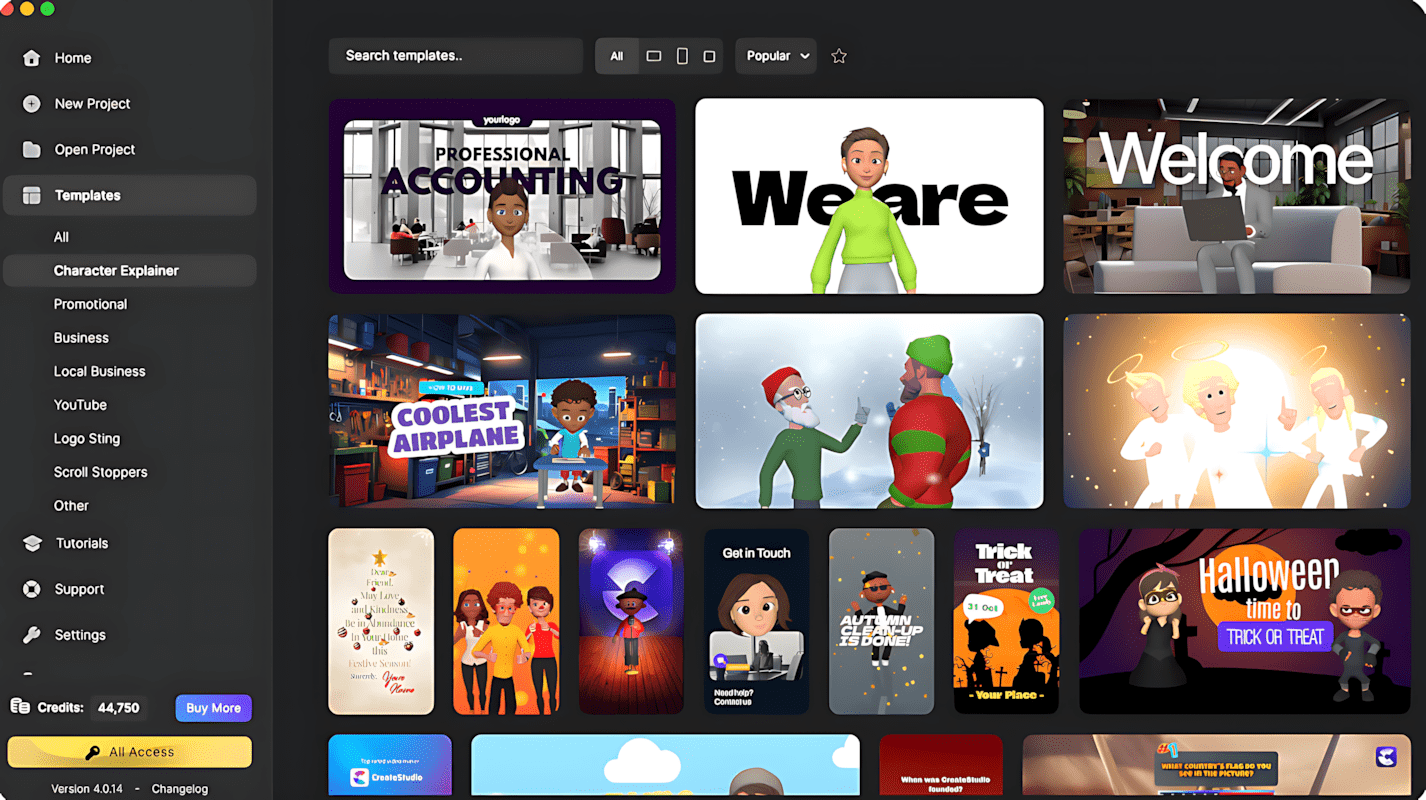
Create Studio is a desktop-based animation and video editing software built specifically for content creators, digital marketers, and ecommerce store owners. Unlike steep-learning-curve programs like Adobe Premiere Pro, it combines drag-and-drop mechanics with pre-animated assets — letting you go from draft to rendered video in under half an hour.
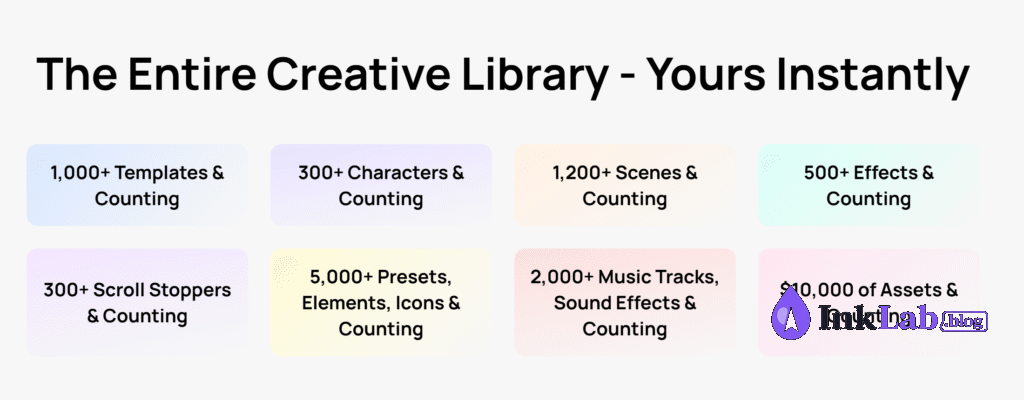
Key capabilities include kinetic typography, 300+ 2D and 3D animated characters, 1,000+ pre-made templates, social media preset canvas ratios, stock media integration, and a full multi-track timeline.
My Experience Using Create Studio
I initially picked up Create Studio to streamline educational quiz Shorts for my Simple Facts YouTube channel. The goal was straightforward: output high-quality, motion-graphic-rich vertical content consistently without losing hours keyframing text manually.
The interface immediately felt accessible. Instead of crowding the screen with dense technical panels, Create Studio keeps the workflow focused on a central preview, direct media library, and clear timeline control below.
Using built-in templates, custom font overlays, and smooth transition effects, I produced dozens of vertical videos (1080×1920). Most projects took around 20–30 minutes from start to finish — choose layout, swap imagery/text, adjust keyframes, and export.
Real Video Example Created With Create Studio
Here is an actual quiz Short produced inside Create Studio for the Simple Facts channel:
This Short was assembled using Create Studio’s vertical timeline, custom asset imports, animated font effects, and native transitions.
Create Studio Review: Standout Features
Animated Typography & Text Effects
Apply dynamic motion presets to text in one click. For font bloggers, POD designers, and typography showcases, this feature alone saves hours compared to manual After Effects keyframing.
1,000+ Pre-Built Templates & 1,200+ Scenes
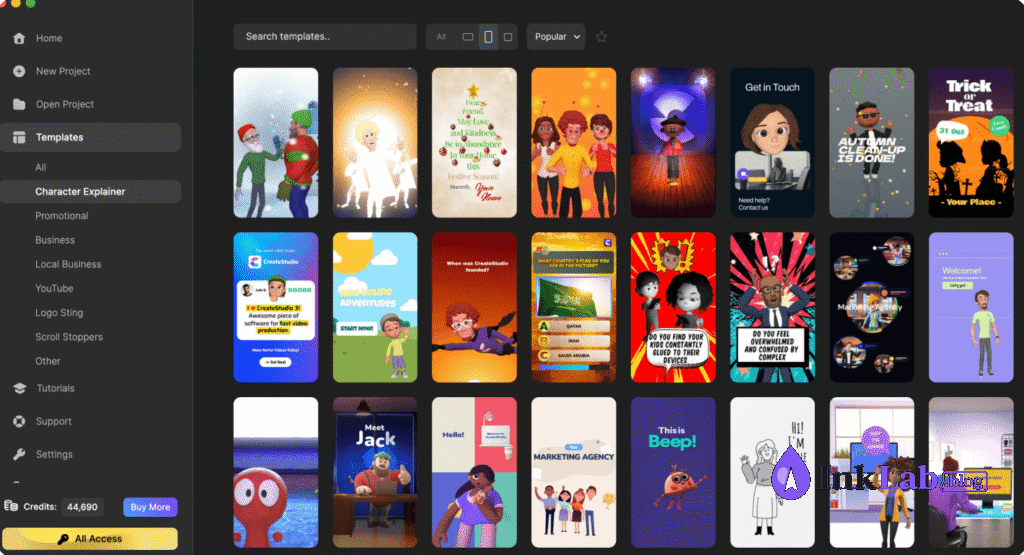
Access over 1,000 customizable promo templates, scroll stoppers, and 1,200+ scenes. Tweak text, swap colors, and export without building motion graphics from scratch.
One-Click Social Media Formats
Switch project dimensions between 9:16 (Shorts/Reels/TikTok/Pinterest), 1:1 (Instagram Feed), and 16:9 (YouTube) seamlessly with automatic element fitting.
Massive Stock Media & Sound FX Library
Includes over 2,000 music tracks and sound effects, 5,000+ presets and icons, plus stock video clips directly inside the editor sidebar.
Intuitive Multi-Track Timeline
Enjoy granular control over layering, custom easing curves, group animations, and audio timing while keeping the workspace clean and uncluttered.
Try Create Studio Free for 14 Days
Unlock 1,000+ templates, 3D characters, and motion tools with zero commitment. Cancel anytime.
Start Your 14-Day Free Trial →How to Use Create Studio for Pinterest Marketing
Static Pinterest pins are increasingly crowded. Video pins consistently out-rank static images in user feeds, providing up to 2.5x to 3x higher click-through rates back to your store or blog.
Build a 10–15 Second Motion Teaser
Showcase your font, Cricut project, or POD product in action using subtle motion zoom effects.
Add Animated Headline Overlays
Animate your article title or product benefit onto the screen to grab attention while scrolling.
Export with Pinterest Presets
Select the 1000×1500 vertical aspect ratio preset for crisp rendering on mobile screens.
Publish with Direct Blog/Etsy Links
Upload the MP4 directly to Pinterest with rich keywords and a link back to your product page or guide.
Automate Distribution
Use scheduling tools like Make or Tailwind to automate video pin publication across multiple boards.
Is Create Studio Worth It for POD Sellers?
Yes. Print on Demand sellers on Etsy, Redbubble, and Shopify face constant competition. Motion graphics help your listings stand out by:
- Showing products from multiple angles: Animate mockups so buyers see the full design in 3D perspective.
- Demonstrating typography in motion: If you sell digital fonts or SVG cut files, animated previews increase conversion confidence.
- Enabling rapid seasonal variations: Quickly swap out Halloween, Christmas, or Mother’s Day background themes on existing templates.
Create Studio vs Canva Video
| Feature | Create Studio | Canva Video |
|---|---|---|
| Timeline Precision | Full Multi-Track Timeline | Basic Slide Sequence |
| Motion Graphics & 3D | Advanced 2D/3D Animations | Basic Animations |
| Kinetic Typography | Dedicated Text Effects | Standard Text Transitions |
| Free Trial Option | ✅ 14-Day Full Free Trial | ✅ Free Tier Available |
| Pricing Model | Lifetime Option & Subscription | Monthly / Yearly Subscriptions |
| Best Suited For | Focused Video Creators & Marketers | Quick Graphics & Simple Edits |
Best Alternatives to Create Studio
Canva
Best for rapid social media graphics and simple video clips. Excellent free tier available.
CapCut
Best for short-form mobile editing, trending TikTok effects, and AI voiceovers.
VEED.io
Best for browser-based AI captions, auto-subtitles, and quick screen recording edits.
InVideo
Best for prompt-driven AI video generation and promotional script creation in browser.
Pros & Cons
✅ Pros
- 14-Day Free Trial available (no risk)
- Beginner-friendly drag-and-drop workflow
- Powerful typography & motion features
- Massive library (1,000+ templates, 300+ 3D characters)
- Instant vertical (9:16) social export
- Over 2,000 royalty-free audio tracks & SFX
- Available lifetime license offer
- Cross-platform (macOS & Windows)
❌ Cons
- Requires desktop installation (no web editor)
- Heavy 3D rendering needs modern GPU
- Fewer cinematic tools than Premiere Pro
- Some default templates feel slightly dated
Create Studio Pricing & Free Trial (2026)
Create Studio gives creators the flexibility to test the software risk-free or choose a plan that aligns with their budget:
All-Access Pass
Unlocks the entire creative vault instantly: 1,000+ templates, 300+ 3D characters, 1,200+ scenes, 2,000+ sound effects, and monthly new assets without restrictions.
Standard License
Includes core timeline editor, 50 animated characters, standard templates, vertical video exports, and core software updates without recurring fees.
Final Verdict
Create Studio hits a sweet spot in the video editing market. It removes the friction of technical animation software while offering far more control than basic online graphic tools.
For POD creators, Cricut bloggers, and Pinterest marketers looking to build high-converting video channels, it is a high-ROI tool. If you are already utilizing our guides on Best Fonts for POD or Best Fonts for Cricut, Create Studio is the natural next step to convert those assets into traffic-generating motion content.
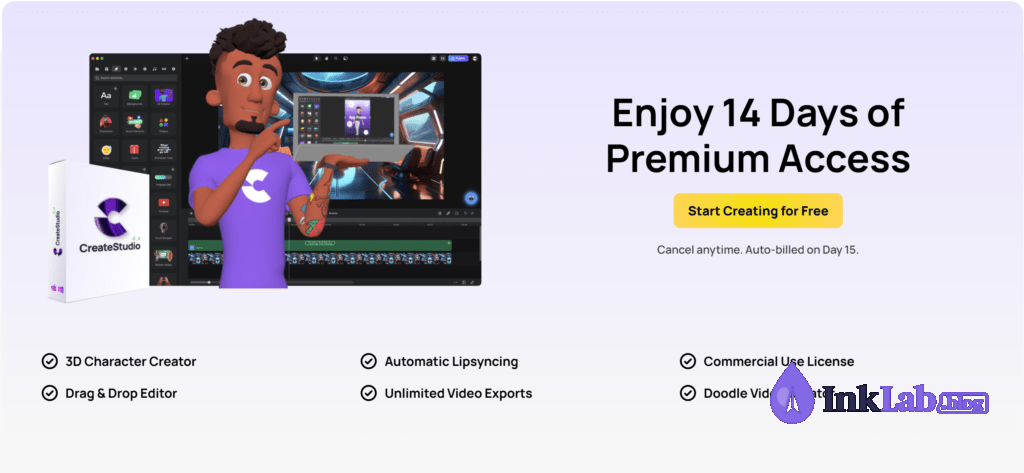
Start Creating High-Converting Videos Today
14 Days Premium Access · Full Feature Set · Cancel Anytime
Start Your 14-Day Free Trial →
Frequently Asked Questions
Does Create Studio have a free trial?
Yes! Create Studio offers a 14-day free trial for their All-Access Pass with no feature limits. You get instant access to 1,000+ templates, 300+ 3D characters, and all export options, with the ability to cancel anytime before day 15.
Is Create Studio worth it in 2026?
Yes — especially for YouTube Shorts creators, Pinterest marketers, and POD sellers. The $67 lifetime option or 14-day trial make it a low-risk, high-ROI tool for regular video production.
Is Create Studio better than Canva for video?
For custom keyframing, kinetic text animation, multi-layer timelines, and 3D character motion, Create Studio is significantly more powerful. Canva remains superior for quick static graphic design.
Is Create Studio good for YouTube Shorts & TikTok?
Yes. It natively supports 1080×1920 vertical canvas exports with custom text animations, making it ideally suited for short-form video creation.
Is Create Studio a one-time purchase?
Create Studio offers a core Commercial License as a $67 one-time payment. An optional All-Access Pass subscription is available for creators who want ongoing monthly template drops and unlimited asset vault access.
Does Create Studio run on Mac and Windows?
Yes, Create Studio is a downloadable desktop application supported on both macOS and Windows operating systems.