
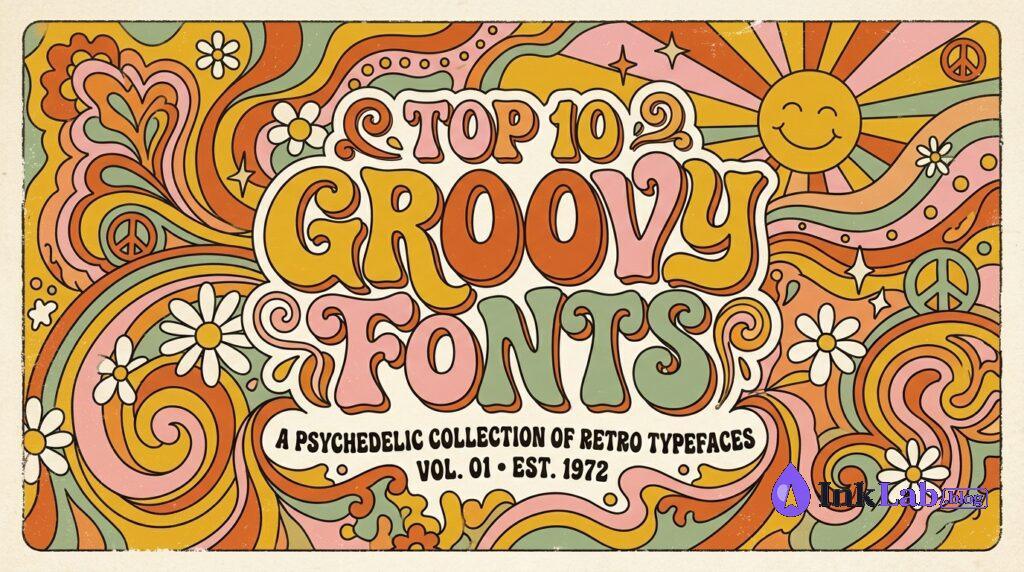
Looking for the best groovy fonts for t-shirts to elevate your Print on Demand shop? Wavy 70s typography is dominating marketplaces like Etsy, Merch by Amazon, and Redbubble. If you are designing vintage apparel or Cricut crafts, having top-quality groovy fonts in your toolkit is essential for creating best-selling products.
Some links in this post are affiliate links. We may earn a commission if you sign up or purchase — at no extra cost to you.
Top 10 Groovy Fonts for T-Shirts and Retro Apparel
Finding the right typography can make or break a vintage t-shirt design. Below are the highest-rated 70s wavy fonts for t-shirt design projects that will help your listings convert better on Etsy and Merch by Amazon.
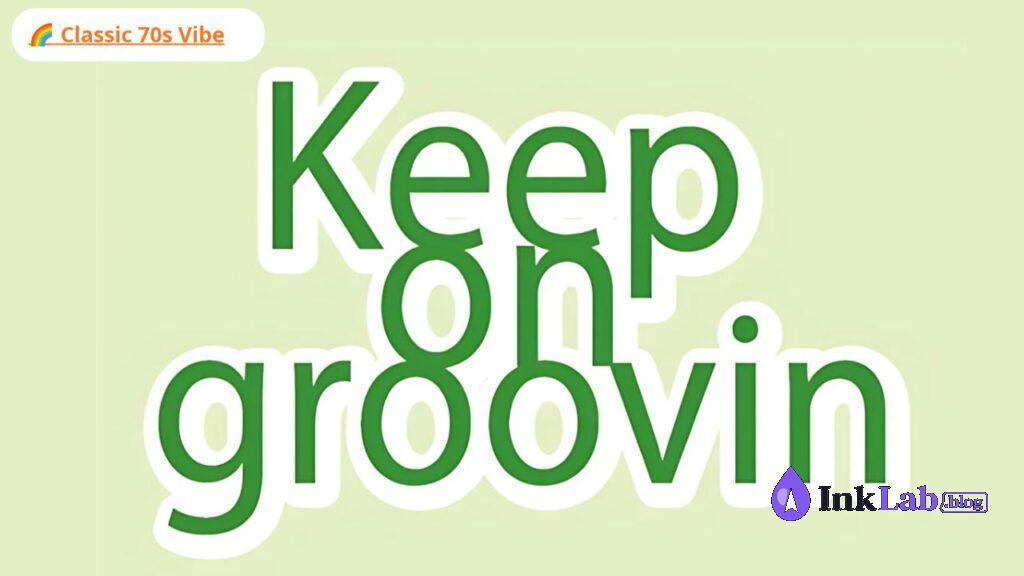
Keep on Groovin
A classic 1970s bold display font featuring smooth, fluid curves and thick stems. Perfect for retro quotes, summer t-shirts, and groovy tote bags. Works effortlessly with vinyl cutters like Cricut and Silhouette.
View on Creative Fabrica →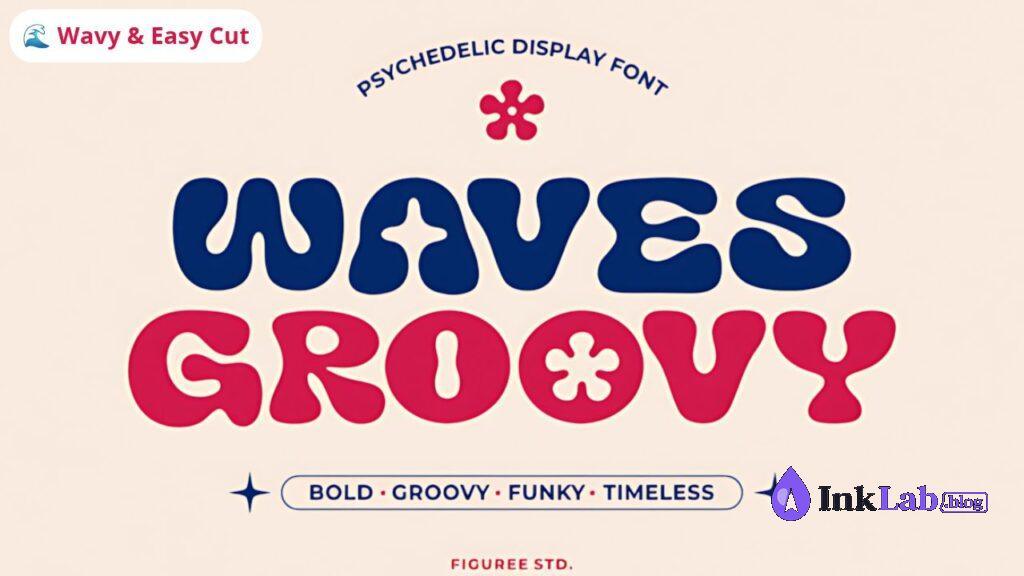
Groovy Waves
Featuring exaggerated wavy letterforms, Groovy Waves brings authentic psychedelic festival energy to groovy fonts for t-shirts. Its thick outlines make it extremely easy to weed when cutting heat transfer vinyl.
View on Creative Fabrica →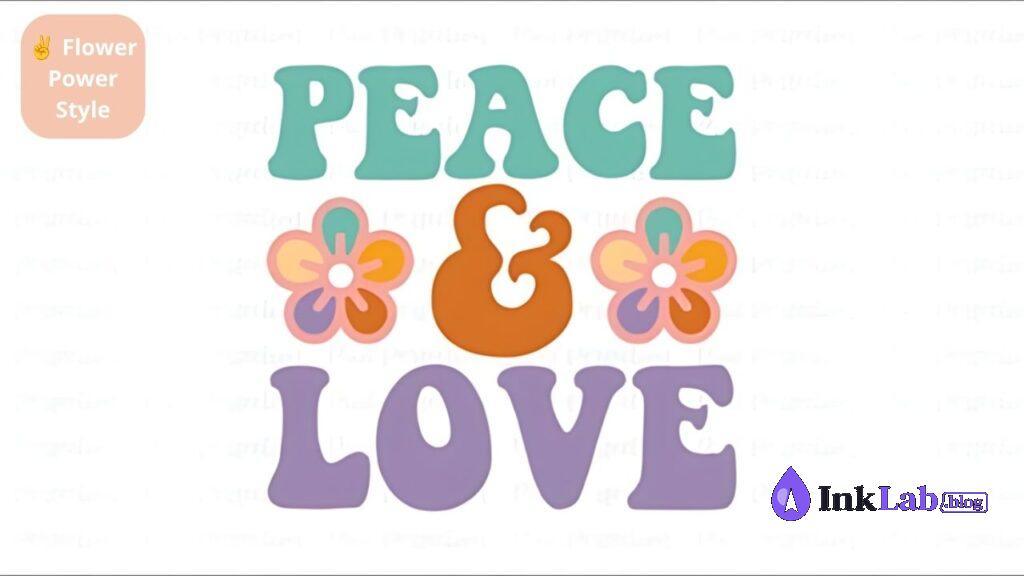
Peace & Love
Designed with rounded corners and floral-inspired swashes, Peace & Love captures the essence of late-60s counterculture. Ideal for bohemian graphics, floral illustrations, and positive quote shirts.
View on Creative Fabrica →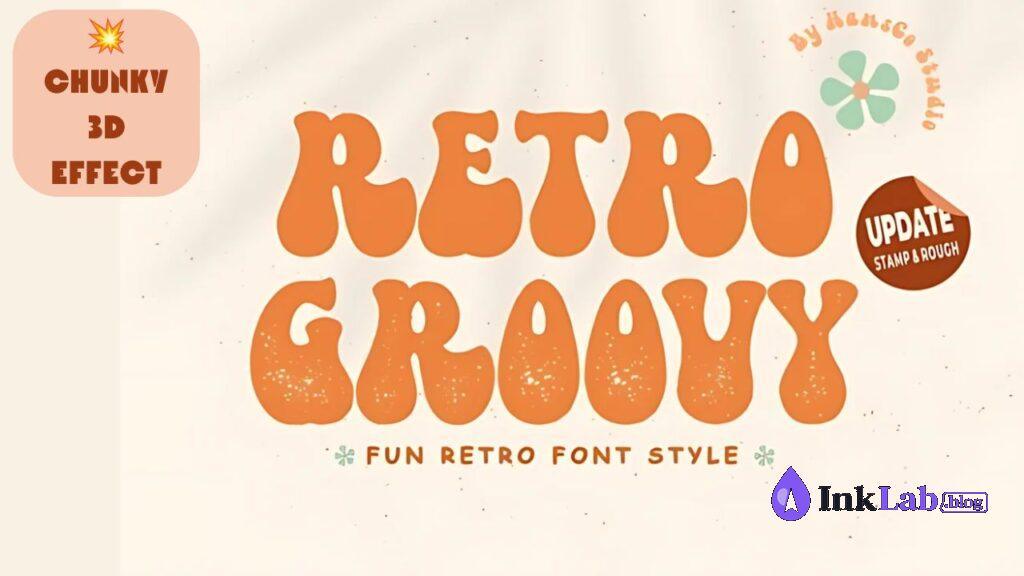
Retro Groovy
A heavy display font that comes with extrude and shadow styles. It allows you to create multi-colored 3D retro typography for apparel without needing complex Photoshop actions.
View on Creative Fabrica →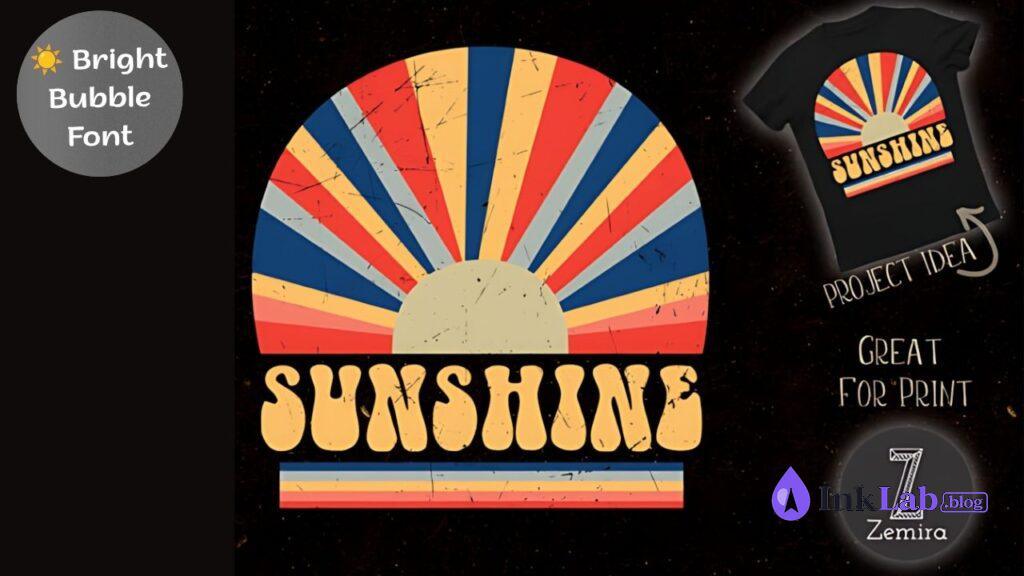
Hippie Sunshine
Fun, bouncy, and soft. Hippie Sunshine is a friendly bubble-style font that stands out on light and dark t-shirt fabrics. Great for beachwear, summer merch, and motivational apparel designs.
View on Creative Fabrica →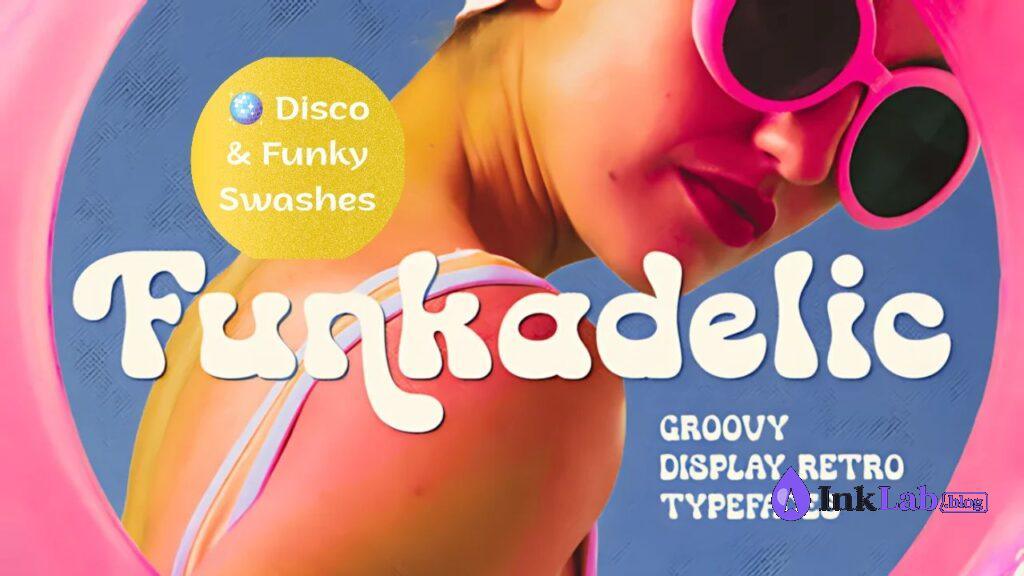
Funkadelic Font
Inspired by 1970s album covers and movie posters, Funkadelic Font delivers tight kerning and funky swashes that instantly elevate simple text designs into commercial-grade graphics.
View on Creative Fabrica →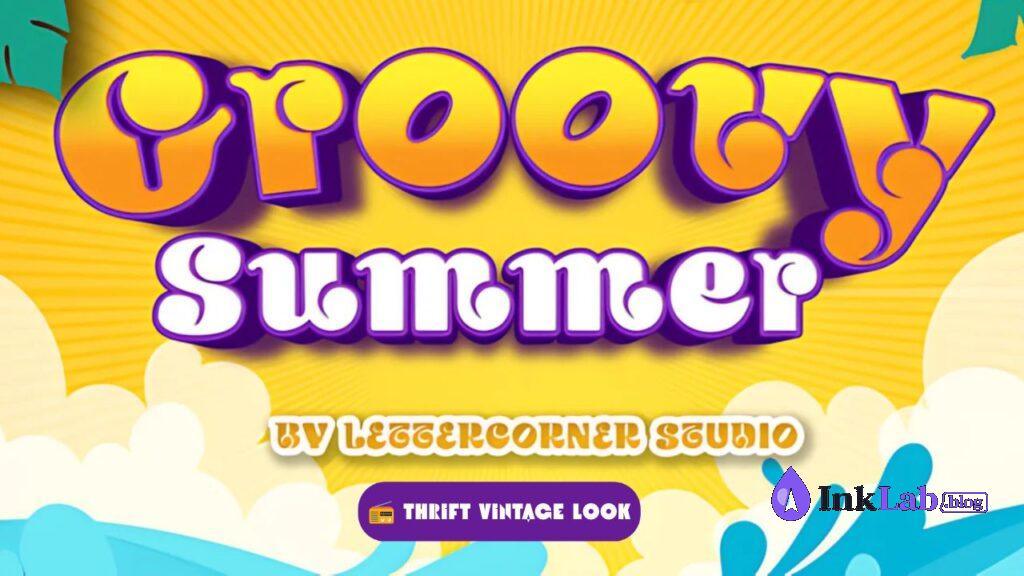
Groovy Summer
If you prefer a worn, direct-to-garment (DTG) print look, Groovy Summer features built-in texture options to give your t-shirt graphics an authentic thrift-store vintage aesthetic.
View on Creative Fabrica →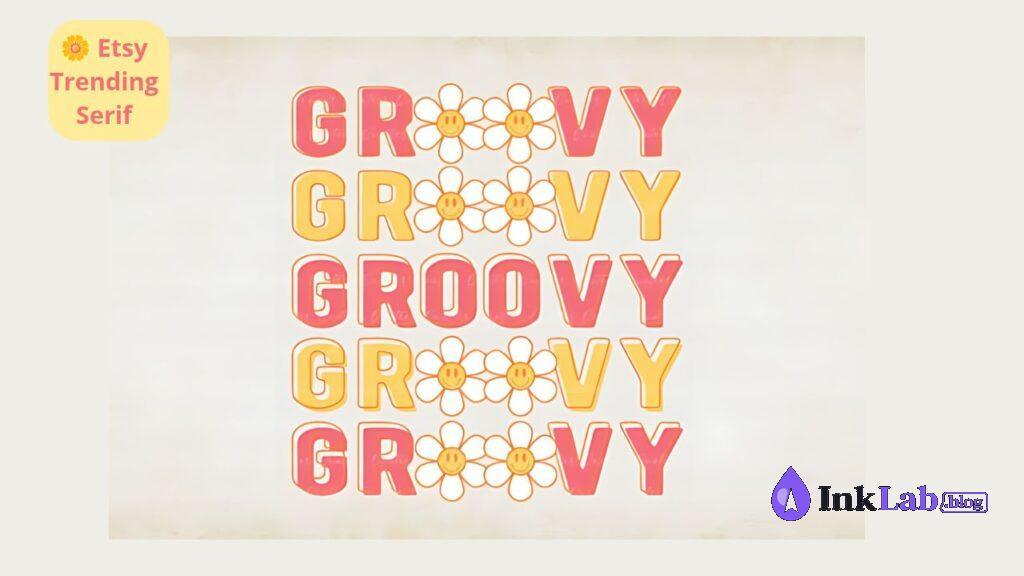
Daisy Groovy
A hybrid between a vintage serif and a wavy display font. Daisy Groovy works exceptionally well for aesthetic quote t-shirts, tote bags, and mug designs aimed at the Etsy target market.
View on Creative Fabrica →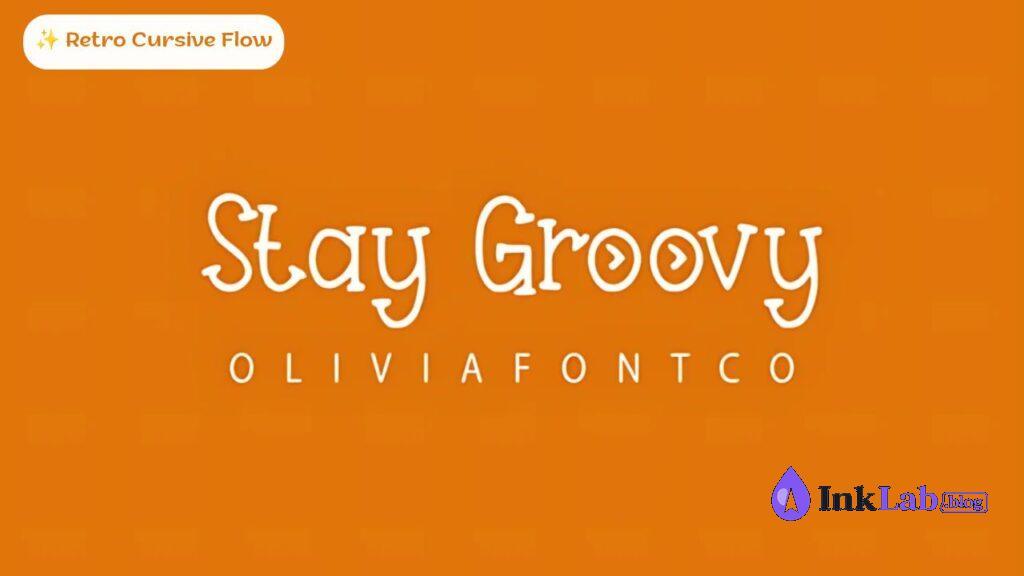
Stay Groovy Font
A connected retro script with sweeping tails and underline swashes. Perfect for creating classic varsity-style or 70s cursive chest prints on oversized hoodies and sweatshirts.
View on Creative Fabrica →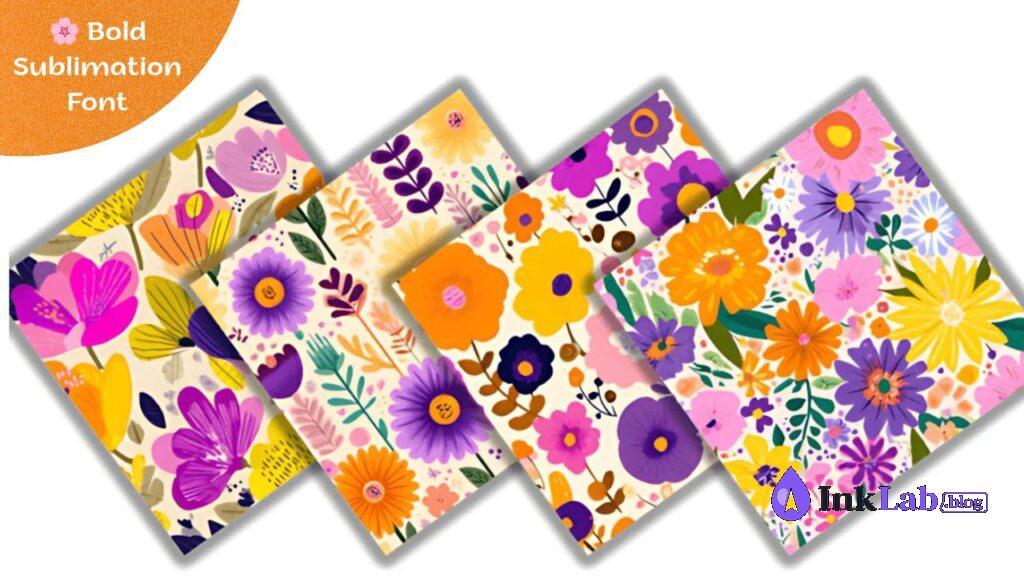
Wildflower Groovy
Ultra-thick and bold, Wildflower Groovy is ideal for sublimation printing and multi-color gradient fills. Its massive letter area makes it easy to mask floral patterns or sunset textures inside the text.
View on Creative Fabrica →- Use Rainbow Waves: Stack your text lines and apply a 70s color palette (mustard yellow, burnt orange, sage green, and warm cream).
- Add Retro Accents: Pair wavy fonts with daisy flowers, retro rainbows, smiley faces, or sunburst vectors to boost conversion on Etsy.
- Check Cutting Thickness: For vinyl, review the official Cricut Help Center guides on selecting bold cut lines to ensure easy weeding. You can also craft layouts using tools like Canva Design Tools.
FAQ About Groovy Fonts for T-Shirts
Can I use these groovy fonts for POD products sold on Etsy?
Yes! All fonts featured in this article come with commercial licensing options, allowing you to create physical items like t-shirts, hoodies, mugs, and stickers for sale on platforms like Etsy, Merch by Amazon, or Redbubble.
Are wavy groovy fonts easy to cut with Cricut or Silhouette?
Most bold and thick display fonts (like Keep on Groovin or Groovy Waves) cut exceptionally well on vinyl cutters. Avoid thin-line script fonts if you intend to weed small details on heat transfer vinyl (HTV).
How do I create a wavy text effect in my design software?
You can use the Warp tool in Adobe Illustrator or Photoshop (choose ‘Flag’ or ‘Wave’ presets). If you are using Canva or Cricut Design Space, look for the built-in Curve or Text Warp features to easily bend your lines of text.